![logo_2x.png]](https://support.facsware.com/hs-fs/hubfs/FACS_January_2020/Images/logo_2x.png?height=40&name=logo_2x.png)
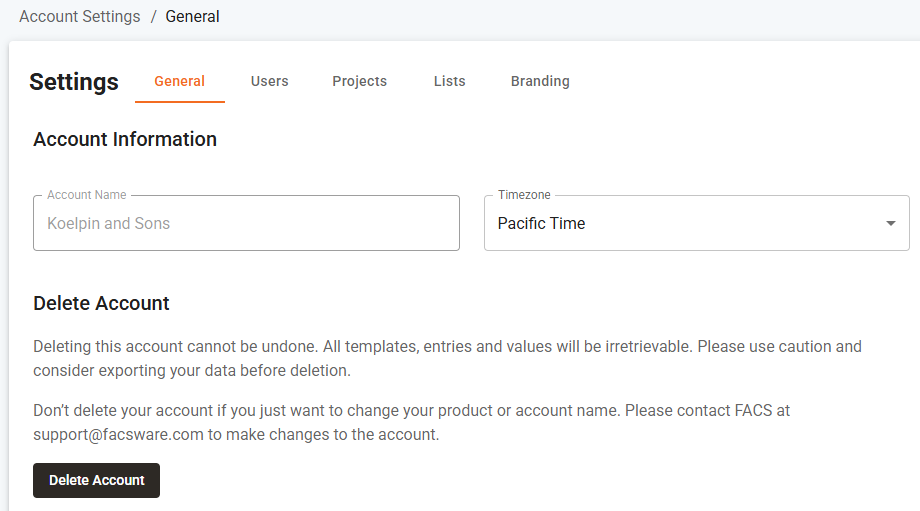
The Account Settings > General page is where you can view your account name and configure certain account-wide settings.
Account Timezone
The Account Timezone determines how time is stored and displayed throughout the account. Users viewing data from a different time zone will see times rendered accordingly, based on their own settings.
Deleting Your Account
This page is also where an account can be deleted.
WARNING: Deleting an account is permanent and cannot be undone. See the support site page on How to Cancel Your Account to learn more before proceeding.
Location
Account Settings > General
If you have any questions, or need additional assistance, please reach out to our support team at support@facsware.com and we will be happy to assist you.