![logo_2x.png]](https://support.facsware.com/hs-fs/hubfs/FACS_January_2020/Images/logo_2x.png?height=40&name=logo_2x.png)
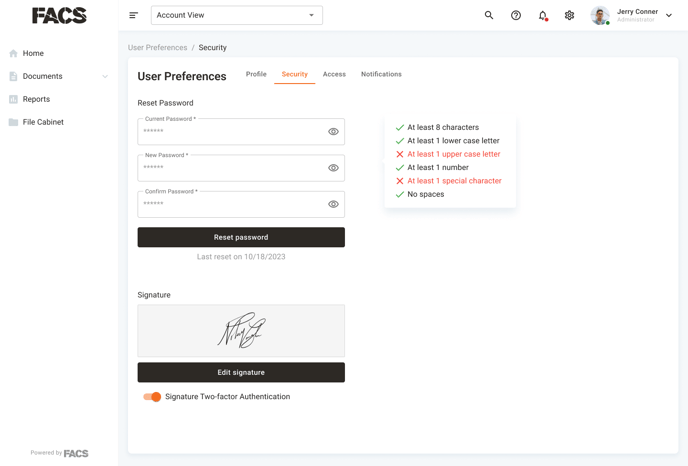
The User Preference area's second menu Security contains the ability to reset a User's password or update the User's signature.
User Passwords must meet the Platforms required format. As a new password is entered a helpful box on the right provides information about what requirements are still needed.
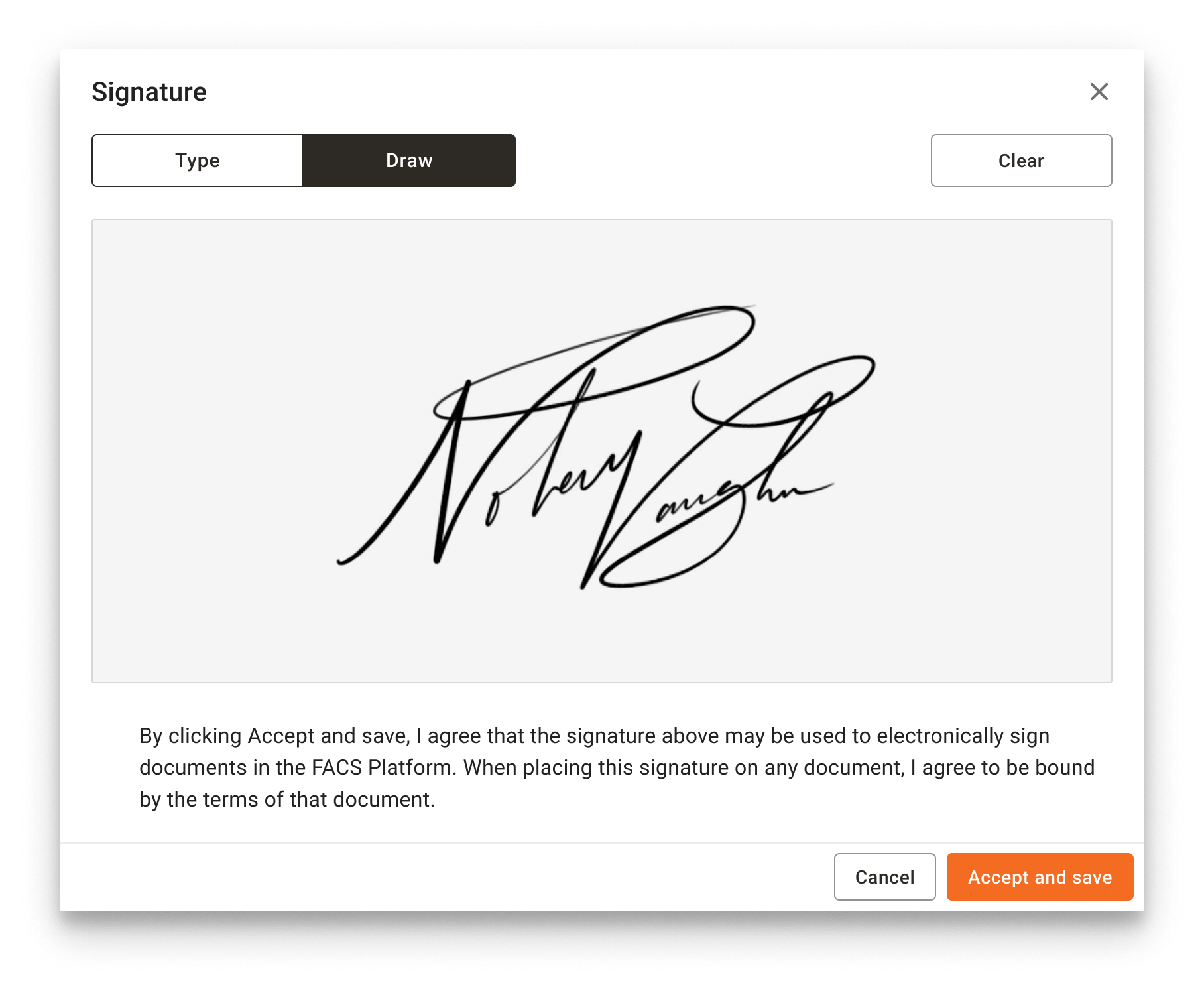
Clicking Edit signature will open the Signature area where a new signature value can be Typed or Drawn.
NOTE: Updated the signature value does not impact previously signed documents. The updated signature will only display on documents signed going forward.
Location
User Preferences > Security
If you have any questions, or need additional assistance, please reach out to our support team at support@facsware.com and we will be happy to assist you.